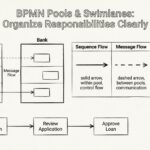
Business Process Model and Notation (BPMN) is a standard language for defining workflows. It bridges the gap between business analysis and technical implementation. However, many organizations struggle with one critical issue: their diagrams exist but are ignored. If a process model sits in a repository without being read, it adds no value. It becomes digital clutter rather than a functional tool.
The goal of this guide is to shift the focus from creating a technically correct diagram to creating a document that serves people. Whether you are a business analyst mapping a new order flow or a developer integrating a system, the documentation must be clear. We need to ensure the notation communicates intent, not just syntax. This means prioritizing readability, structure, and context over strict adherence to every minor rule of the standard if it obscures the meaning.
Why Documentation Often Fails to Get Read 📉
Before diving into the how, we must understand the why. Most BPMN models fail to gain traction for specific reasons. Understanding these pain points helps us avoid them.
- Over-Complexity: Trying to model every edge case in a single diagram creates a spiderweb of lines. No human can trace a path through 500 steps without a map.
- Missing Context: A diagram shows a task, but not why the task exists. Without the business rule driving the decision, developers must guess.
- Inconsistent Naming: Using “Process A” and “Action 1” makes navigation impossible. Names must be consistent across the entire suite of diagrams.
- Disconnected from Reality: If the model describes how things *should* work, but the software does something else, trust is lost immediately.
To solve this, we must treat documentation as a communication tool first and a technical specification second. The audience dictates the level of detail.
Core Principles for Readable BPMN Models 🛠️
Clarity comes from structure. A well-organized model guides the eye naturally. Here are the foundational principles to apply to every model you create.
1. Visual Hierarchy and Grouping 🧩
Human eyes process information in chunks. A flat page of boxes and arrows is overwhelming. Use sub-processes to break down complexity.
- Use Sub-Processes: If a flow has more than 20 activities, consider collapsing the detailed logic into a collapsed sub-process. This allows stakeholders to see the high-level flow without getting lost in the weeds.
- Leverage Swimlanes: Assign responsibilities clearly. If a process involves Sales, Finance, and IT, use separate pools or lanes for each. This instantly clarifies who owns which step.
- Group Related Tasks: If several tasks happen in the same system or phase, visually group them. Use annotations or container shapes to indicate context.
2. Consistent Naming Conventions 🏷️
Naming is the anchor of understanding. Ambiguous labels create ambiguity in execution. Adopt a strict naming policy and stick to it.
- Verb-Object Structure: Name tasks as “Action + Object”. Use “Validate Customer” instead of just “Validation”.
- Consistent Tense: If you start with present tense (“Send Email”), do not switch to gerunds (“Sending Email”) midway through the model.
- Unique Identifiers: For developer handoff, include a unique ID (e.g., Task-001) next to the label. This links the diagram directly to code comments or database fields.
3. Semantic Correctness vs. Visual Clarity ⚖️
The BPMN standard provides many symbols. Not all are necessary for every diagram. Sometimes, strict adherence to a symbol reduces readability.
- Gateways: Use the standard XOR, AND, and OR gateways for logic. Do not use them for flow direction only. If a flow simply moves forward, a sequence flow is enough.
- Events: Use start and end events to define boundaries. Intermediate events are powerful for showing delays or external triggers, but don’t overuse them to clutter the path.
- Annotations: If a specific business rule is complex, use a text annotation attached to the task. Do not try to write the rule inside the box itself.
Structuring the Model for Developers 👨💻
Developers need different information than business stakeholders. They need to know how to translate the logic into code. The documentation must expose the decision points clearly.
1. Explicit Data Flows 💾
A common gap is showing a task but not the data it consumes or produces. While BPMN is primarily control-flow oriented, data context is vital.
- Define Data Objects: Use data objects to show what information enters a task and what leaves it.
- Link to Schema: If possible, reference the database schema or API payload structure in the notes of the task.
- State Changes: Indicate when an entity changes state (e.g., Order Status: Pending → Shipped). This helps backend developers understand database triggers.
2. Error Handling and Exception Paths ⚠️
Happy paths are easy to model. Exceptions are where systems break. Documentation must explicitly cover what happens when things go wrong.
- Failures: Use error events to show what happens if a service call fails. Does it retry? Does it alert a human? Does it roll back?
- Timeouts: If a process waits for an external response, define the timeout behavior. What happens if the response never arrives?
- Rejections: If a user rejects a request, show the path. Do not assume every step succeeds.
Structuring the Model for Stakeholders 👔
Business stakeholders care about the outcome, the timeline, and the cost. They do not care about the internal logic of the code. Their view must be high-level and focused on value.
1. Focus on Value Streams 🚀
Remove technical implementation details. Stakeholders do not need to see the API calls or database writes.
- Aggregate Technical Steps: Group multiple API calls into a single “Process Data” task.
- Highlight Deliverables: Ensure the end events show the tangible outcome, such as “Invoice Sent” or “Package Delivered”.
- Identify Bottlenecks: Use color coding or labels to indicate where delays typically occur in the current process.
2. Compliance and Audit Trails 📜
Many industries require proof of who did what and when. Stakeholders need to see this in the model.
- Human Tasks: Clearly mark tasks that require human intervention. This highlights the need for approval workflows.
- Sign-offs: Use specific gateway logic to show where mandatory approvals are required before proceeding.
- Logging: Annotate tasks that generate audit logs. This ensures the system is compliant with regulations.
Common Modeling Anti-Patterns 🚫
Avoiding mistakes is as important as doing things right. Below is a table detailing common pitfalls and how to correct them.
| Anti-Pattern | Why It Fails | Corrective Action |
|---|---|---|
| Spaghetti Logic | Too many crossing lines make tracing impossible. | Use sub-processes to isolate complex logic blocks. |
| Missing Start/End | The process has no defined beginning or end. | Always define a clear Start Event and End Event. |
| Orphan Tasks | A task has no incoming flow, meaning it is unreachable. | Review flow connections to ensure every task is reachable. |
| Unclear Gateways | Gateways have no labels, making the condition unknown. | Label every gateway with the condition (e.g., “Is Valid? Yes/No”). |
| Mixed Granularity | One diagram mixes high-level strategy with code-level details. | Split diagrams. Use Level 1 for strategy, Level 2 for details. |
| Hardcoded Values | Conditions are embedded in the diagram (e.g., “If Amount > 100”). | Reference a data dictionary or configuration file instead. |
Maintaining Documentation Over Time 🔄
A model created today may be obsolete tomorrow. Processes change as software updates and business rules evolve. Documentation must be treated as a living asset.
- Version Control: Treat diagrams like code. Tag versions based on release dates. Do not overwrite the previous version without archiving it.
- Change Logs: Maintain a separate document or section within the model description. Record what changed, when, and why.
- Review Cycles: Schedule quarterly reviews. Ask the stakeholders: “Does this still match reality?”
- Linkage: Keep the diagram linked to the actual workflow engine or configuration. If the code changes, the diagram must be updated immediately.
The Review Process 🧐
Before publishing, a rigorous review process ensures quality. Do not skip this step.
1. Technical Review
A senior developer or architect should review the model.
- Check for valid syntax.
- Verify that all data objects are defined.
- Ensure error paths are logical and handleable.
2. Business Review
A subject matter expert (SME) must verify the logic.
- Does the flow match the actual business operation?
- Are all approval points included?
- Is the language used understandable by non-technical staff?
3. Usability Test
Hand the diagram to someone who does not know the process.
- Can they trace the flow from start to finish?
- Do they understand what happens at each step?
- Are the labels self-explanatory?
Measuring Success 📊
How do you know if your documentation is working? Look for these indicators.
- Reduced Queries: Developers ask fewer questions during implementation because the diagram is clear.
- Faster Onboarding: New team members understand the process faster using the documentation.
- Higher Adoption: Stakeholders reference the diagrams in meetings instead of asking for verbal explanations.
- Fewer Bugs: Implementation matches the design, reducing the need for rework.
Final Checklist for Your Next Model ✅
Use this list before finalizing any BPMN document.
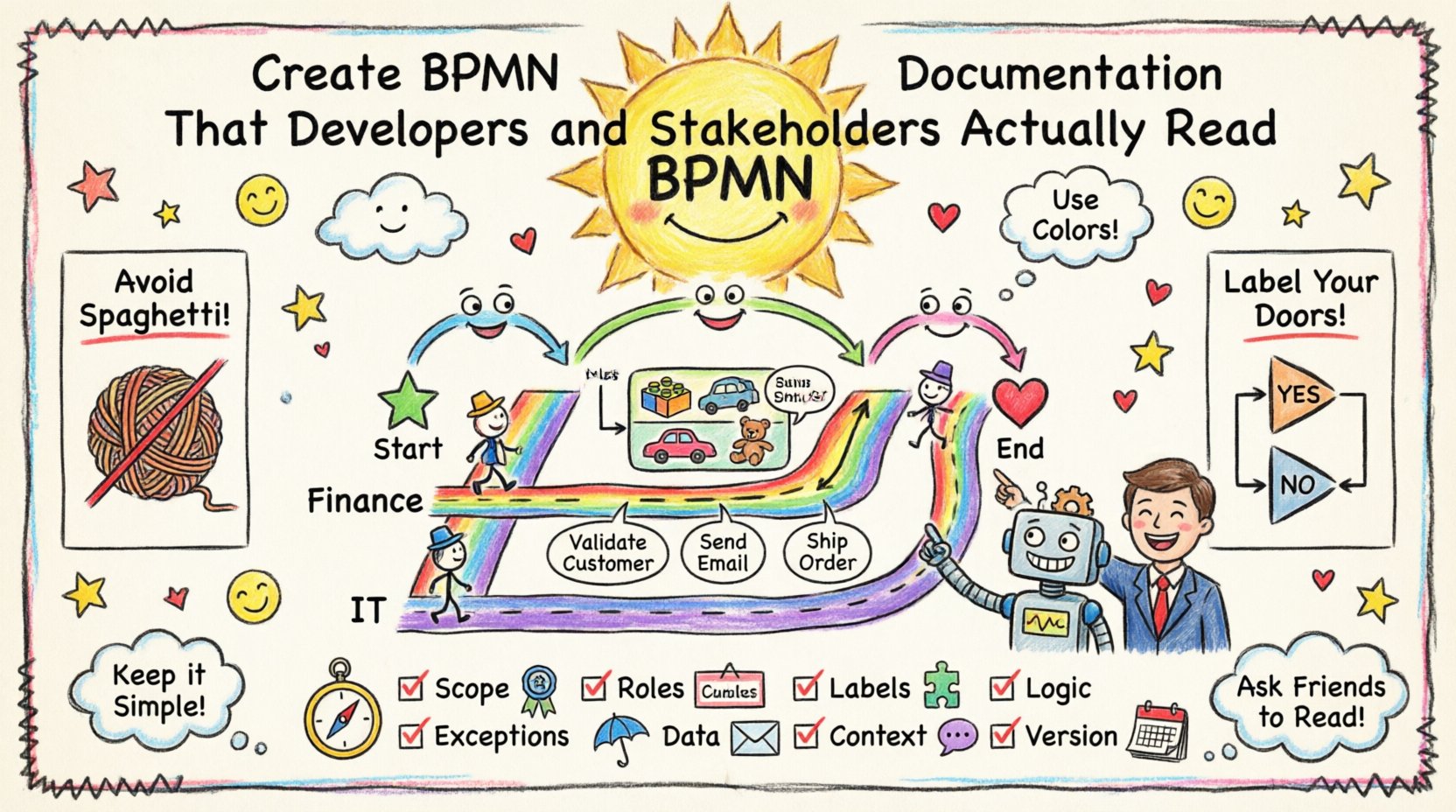
- Scope: Is the scope clearly defined? Does it have a start and end?
- Roles: Are swimlanes assigned to the correct roles?
- Labels: Are all tasks labeled with verb-object pairs?
- Logic: Are all gateways labeled with conditions?
- Exceptions: Are error paths defined for major tasks?
- Data: Are data inputs and outputs visible?
- Context: Is there a description explaining the business goal?
- Version: Is the version number and date recorded?
Creating BPMN documentation is not about drawing lines. It is about creating a shared understanding. When developers and stakeholders can read the same diagram and see the same reality, collaboration improves. The process becomes predictable, the code becomes reliable, and the business becomes agile.
Focus on the reader. Structure the information. Validate the content. And always remember that a diagram that is not read is a diagram that does not exist.